

War Thunder is old enough that its graphics engine (Dagor) runs on almost anything, but that doesn't mean the default settings are right for you. The game has two very different audiences fighting over the same options menu: people who want it to look as good as a modern military sim, and people who want to see a tank hiding in a bush 800 meters out before it sees them. Those two goals genuinely conflict on a handful of sliders. This is about the second group, because in a game where the first shot usually wins, visibility beats visuals every time.
The settings that change what you can actually see
Most of the options menu is cosmetic. A short list is not — it directly changes how easily enemy vehicles stand out against terrain and foliage.
- Object quality / foliage detail — this is the big one. Higher foliage density means bushes and tree cover render more fully, which is more realistic but also gives enemies more places to disappear. Competitive players routinely run this lower than their hardware could handle, specifically to thin out ground clutter. It's the single most impactful "unfair advantage" setting in the game, and it's legal because it's in the official menu.
- Shadow quality — soft, high-resolution shadows look great and cost real frame time for very little spotting benefit. Dropping this a notch or two is close to a free performance win.
- Anti-aliasing — cleans up jagged edges, which does help you distinguish a vehicle silhouette from background clutter at range, so it's worth keeping at a moderate setting rather than cutting it entirely.
- Resolution scale / render resolution — has the single biggest impact on both performance and how many pixels a distant enemy occupies. If you're chasing frame rate, this is a more effective lever than most individual quality sliders.
- Water and cloud quality — almost purely cosmetic for spotting purposes in ground battles; safe to lower them without giving anything up tactically. They matter more in naval and air modes where you're reading horizon lines.
Frame rate and input lag: what's worth chasing
War Thunder isn't a twitch shooter, but tank sniping and dogfighting both reward low, consistent input lag over raw visual fidelity.
- Uncap your frame rate if your monitor supports a high refresh rate; a capped 60 on a 144Hz panel throws away smoothness you're already paying for.
- Disable VSync for competitive play — it adds a layer of input latency that outweighs the screen-tearing it prevents, especially in vehicles where snap-aiming matters (autocannons, fast planes).
- Anisotropic filtering has a negligible performance cost on any GPU from the last several years — leave it near max, it's not a setting worth sacrificing.
- Check Gaijin's own recommended specs page for your hardware tier before assuming you need to lower anything at all; a lot of players nerf settings out of habit rather than necessity.
 Free on PCArena Breakout: InfiniteThe most approachable extraction shooter on PC.Play free
Controls and aim assist worth revisiting
Settings aren't only graphical. A few control options quietly change how competitive you are:
- Mouse aim sensitivity and dead zones for ground vehicles benefit from a slower, more controlled curve than the default — snap-turning your turret past a target costs you the shot.
- Instructor / assist options in Arcade mode do some of the aiming work for you; turning parts of it off is how a lot of players choose to actually get better rather than lean on the crutch long-term.
- If you're on a controller for aircraft, curve and dead-zone tuning matters more than raw sensitivity — a linear curve is rarely the fastest to fly with.
Hardware upgrades: what's worth it, and what isn't
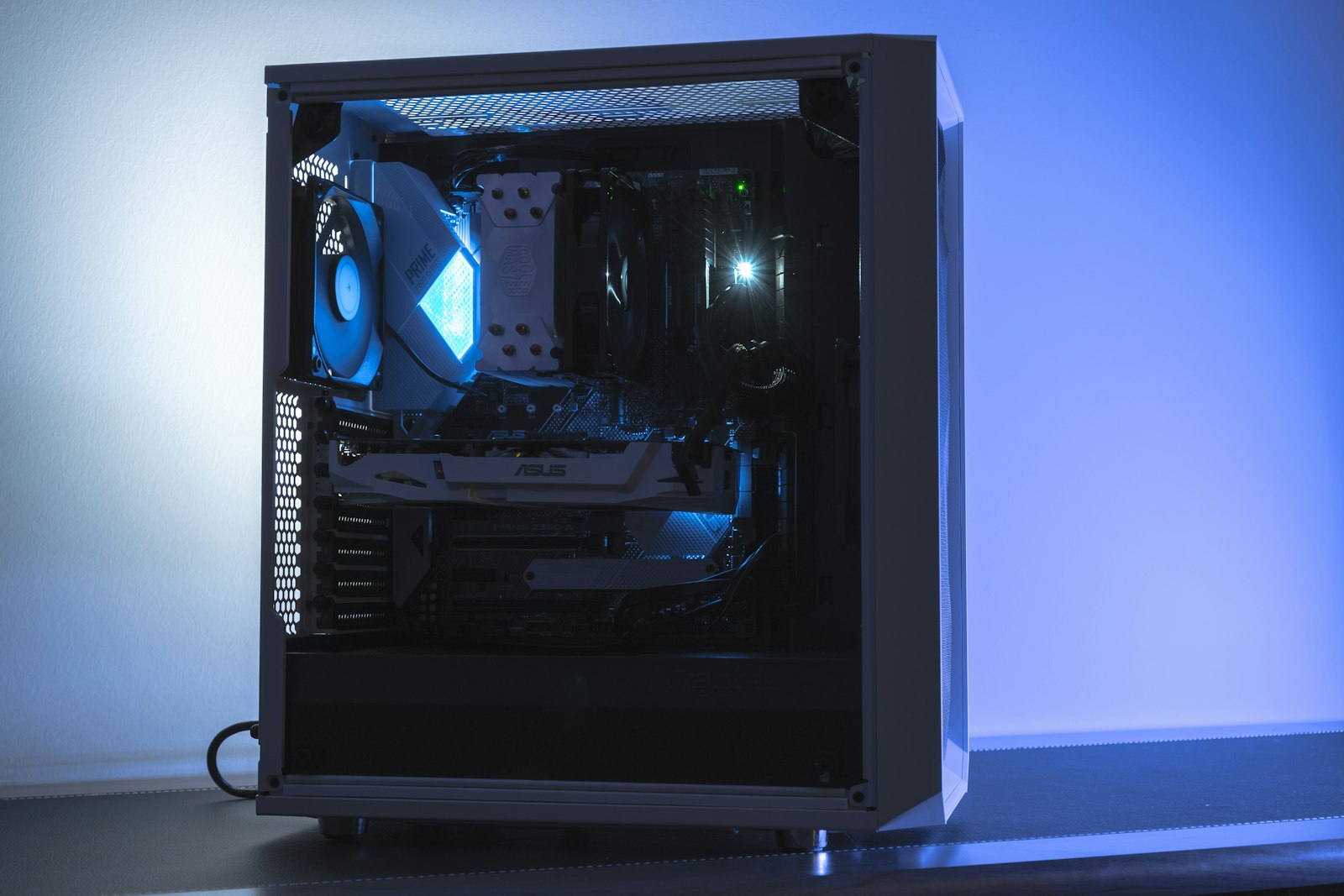
War Thunder is CPU-friendly compared to many modern titles, and it's not a game where you need to chase the newest GPU generation to get a smooth, competitive experience.
| Upgrade | Worth it for War Thunder? | Why |
|---|---|---|
| Faster monitor (higher refresh rate) | Yes, if you can already hit high frame rates | Smoother tracking on fast-moving planes and turret traverse; the game is light enough to actually push high FPS on modest hardware |
| More RAM | Only up to a point | The game itself is not RAM-hungry; 16GB is comfortable, more mainly helps background apps and browser tabs, not War Thunder itself |
| SSD over HDD | Yes | Shorter load times into matches, less stutter when new terrain streams in |
| Latest-generation GPU | Usually not necessary | War Thunder scales well down to mid-range and older cards; the money is better spent elsewhere unless you're also playing much newer titles |
| Gaming mouse with adjustable DPI | Yes, for ground vehicles | Fine turret control at long range benefits more from precision than from raw sensor speed |
Our take
If you only change three things, make it these: lower foliage/object quality a notch below max, uncap your frame rate and disable VSync, and don't buy new hardware before checking whether your current setup is already hitting a comfortable frame rate — War Thunder rarely needs it. For most players on a mid-range PC built any time in the last five years, the settings menu — not the store — is where the real spotting advantage is hiding.
Settings only take you so far if you're grinding the wrong line — our tech tree guide covers where your research is actually worth spending. And if you're still deciding whether War Thunder deserves the hours at all, the full review gives the honest version.